*If you install anyone from this then you want to install there desktop environment. If you want to install desktop environment go to My blog page you see desktop environment link click on that than you will see lots of desktop environment and download anyone from than.*
1. Ubuntu
pkg install wget openssl-tool proot -y && hash -r && wget https://raw.githubusercontent.com/EXALAB/AnLinux-Resources/master/Scripts/Installer/Ubuntu/ubuntu.sh && bash ubuntu.sh
2. Debian
pkg install wget openssl-tool proot -y && hash -r && wget https://raw.githubusercontent.com/EXALAB/AnLinux-Resources/master/Scripts/Installer/Debian/debian.sh && bash debian.sh
3. Kali
pkg install wget openssl-tool proot -y && hash -r && wget https://raw.githubusercontent.com/EXALAB/AnLinux-Resources/master/Scripts/Installer/Kali/kali.sh && bash kali.sh
4. Kali Nethunter

pkg install wget openssl-tool proot -y && hash -r && wget https://raw.githubusercontent.com/EXALAB/AnLinux-Resources/master/Scripts/Installer/Nethunter/nethunter.sh && bash nethunter.sh
5. Parrot os
pkg install wget openssl-tool proot -y && hash -r && wget https://raw.githubusercontent.com/EXALAB/AnLinux-Resources/master/Scripts/Installer/Parrot/parrot.sh && bash parrot.sh
6. BackBox
pkg install wget openssl-tool proot -y && hash -r && wget https://raw.githubusercontent.com/EXALAB/AnLinux-Resources/master/Scripts/Installer/BackBox/backbox.sh && bash backbox.sh
7. Fedora
pkg install wget openssl-tool proot tar -y && hash -r && wget https://raw.githubusercontent.com/EXALAB/AnLinux-Resources/master/Scripts/Installer/Fedora/fedora.sh && bash fedora.sh
8. Centos
pkg install wget openssl-tool proot tar -y && hash -r && wget https://raw.githubusercontent.com/EXALAB/AnLinux-Resources/master/Scripts/Installer/CentOS/centos.sh && bash centos.sh
9. OpenSuSe
pkg install wget openssl-tool proot tar -y && hash -r && wget https://raw.githubusercontent.com/EXALAB/AnLinux-Resources/master/Scripts/Installer/openSUSE/Leap/opensuse-leap.sh && bash opensuse-leap.sh
10. OpenSuSe tumbleweed
pkg install wget openssl-tool proot tar -y && hash -r && wget https://raw.githubusercontent.com/EXALAB/AnLinux-Resources/master/Scripts/Installer/openSUSE/Tumbleweed/opensuse-tumbleweed.sh && bash opensuse-tumbleweed.sh
11. Arch
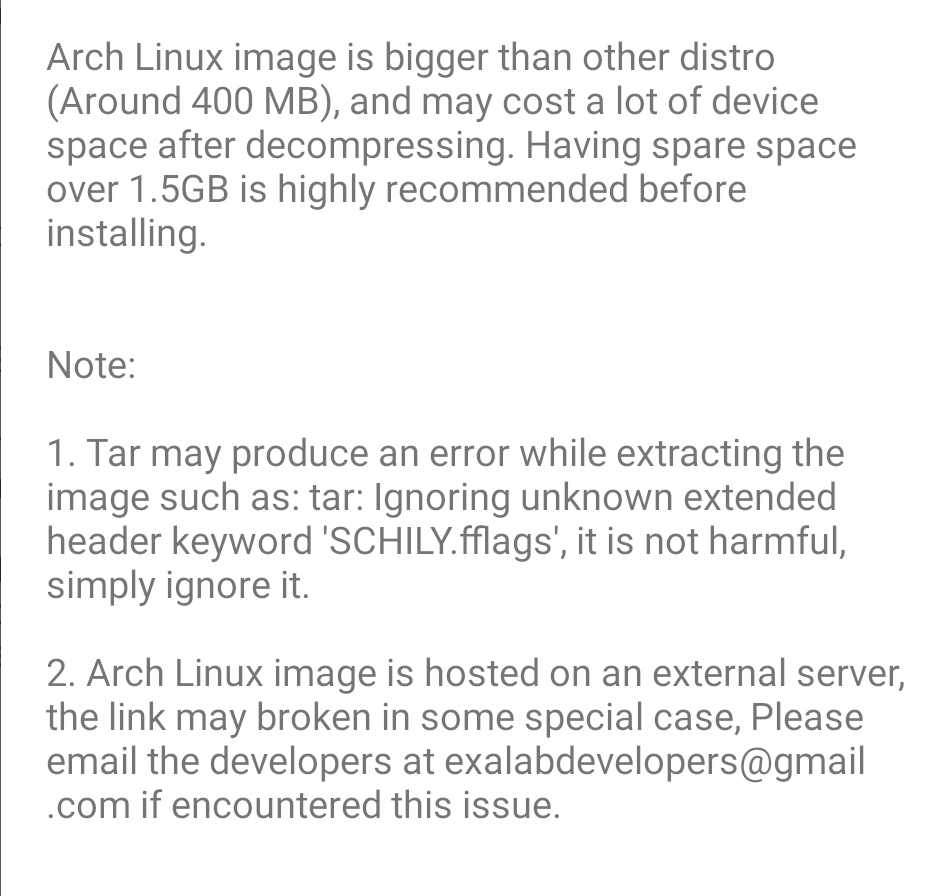
pkg install wget openssl-tool proot tar -y && hash -r && wget https://raw.githubusercontent.com/EXALAB/AnLinux-Resources/master/Scripts/Installer/Arch/armhf/arch.sh && bash arch.sh
12. Black arch
pacman-key –init && pacman-key –populate archlinuxarm && pacman -Sy –noconfirm curl && curl -O https://blackarch.org/strap.sh && chmod +x strap.sh && ./strap.sh
13. Alpine
pkg install wget openssl-tool proot tar -y && hash -r && wget https://raw.githubusercontent.com/EXALAB/AnLinux-Resources/master/Scripts/Installer/Alpine/alpine.sh && bash alpine.sh
14. Void Linux
pkg install wget openssl-tool proot tar -y && hash -r && wget https://raw.githubusercontent.com/EXALAB/AnLinux-Resources/master/Scripts/Installer/Void/void.sh && bash void.sh
Thankyou
 KOTHARIJI
Leave a comment